All guides
Manage your business
Your account
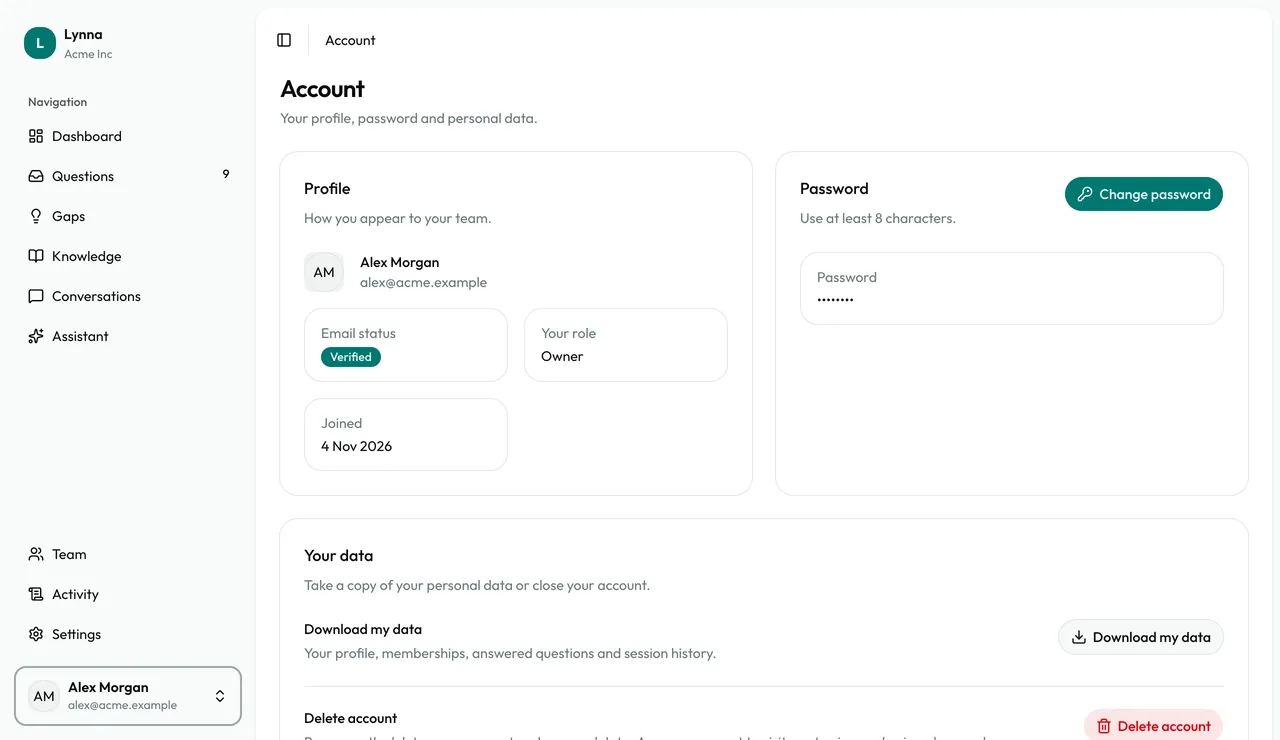
Your own account is separate from your business's settings. Open the menu at the bottom of the sidebar to see your profile, change your password or download your data.
Step by step
Step 1
Open your menu
Select your name at the bottom of the sidebar, then choose Account.
Step 2
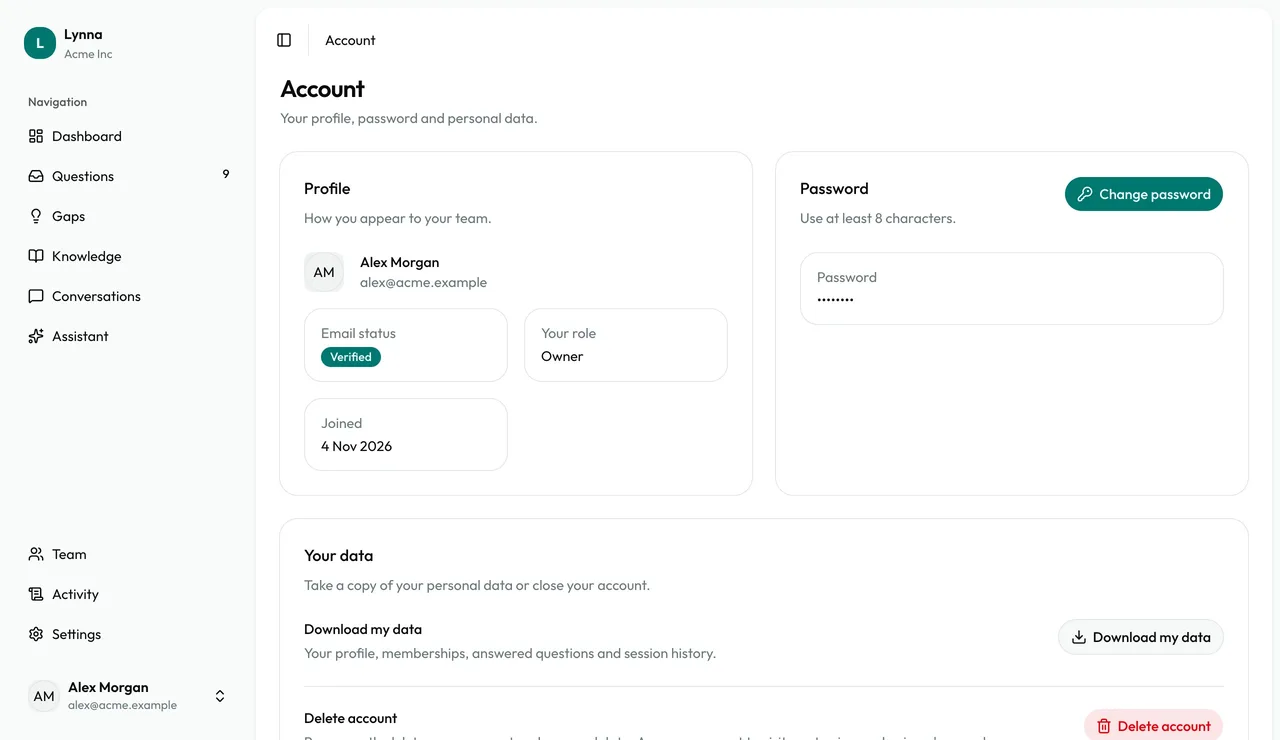
Check your profile
See your email status, your role and when you joined, and choose Change password.
Step 3
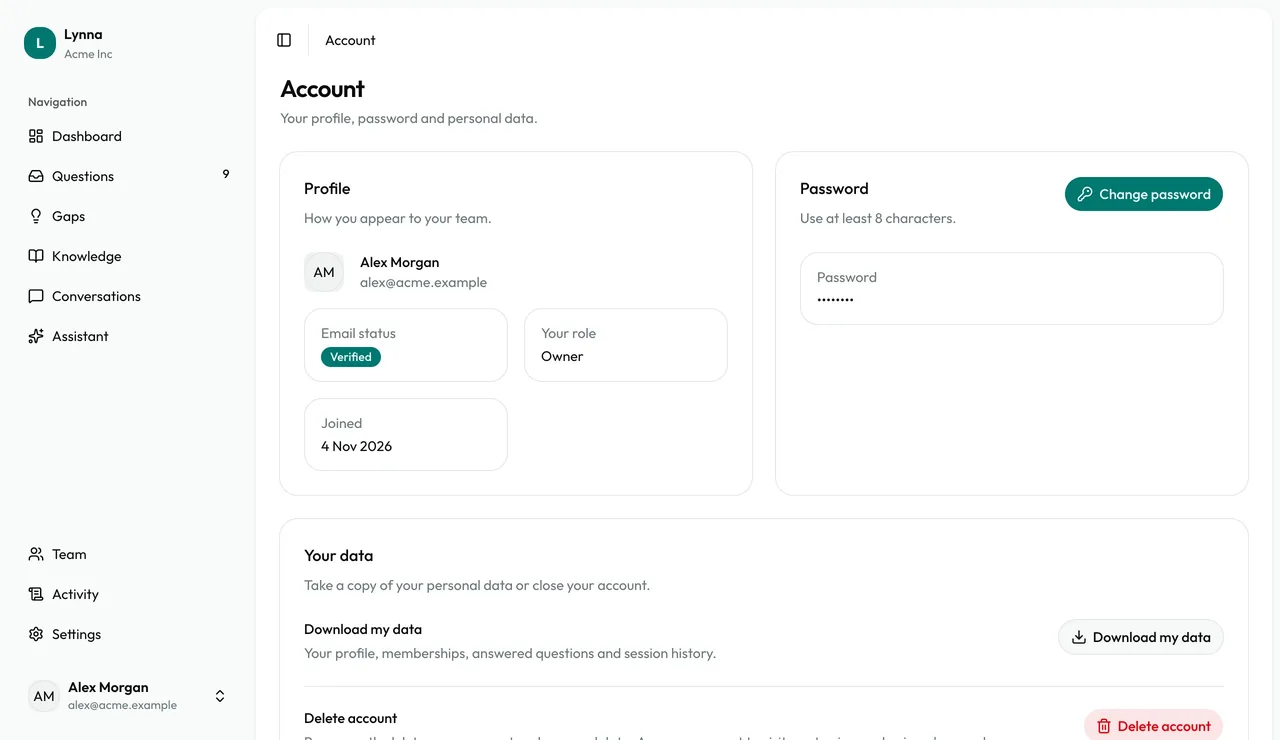
Download your data
Choose Download my data for a copy of your profile, memberships, answered questions and session history.
That's every guide.
All guides