Manage your business
Add your team
Share the work of answering questions. Invite colleagues as owners or team members, and group them into branches or departments so each question reaches the right people. Your type of business decides which word Lynna uses.
Step by step
Step 1
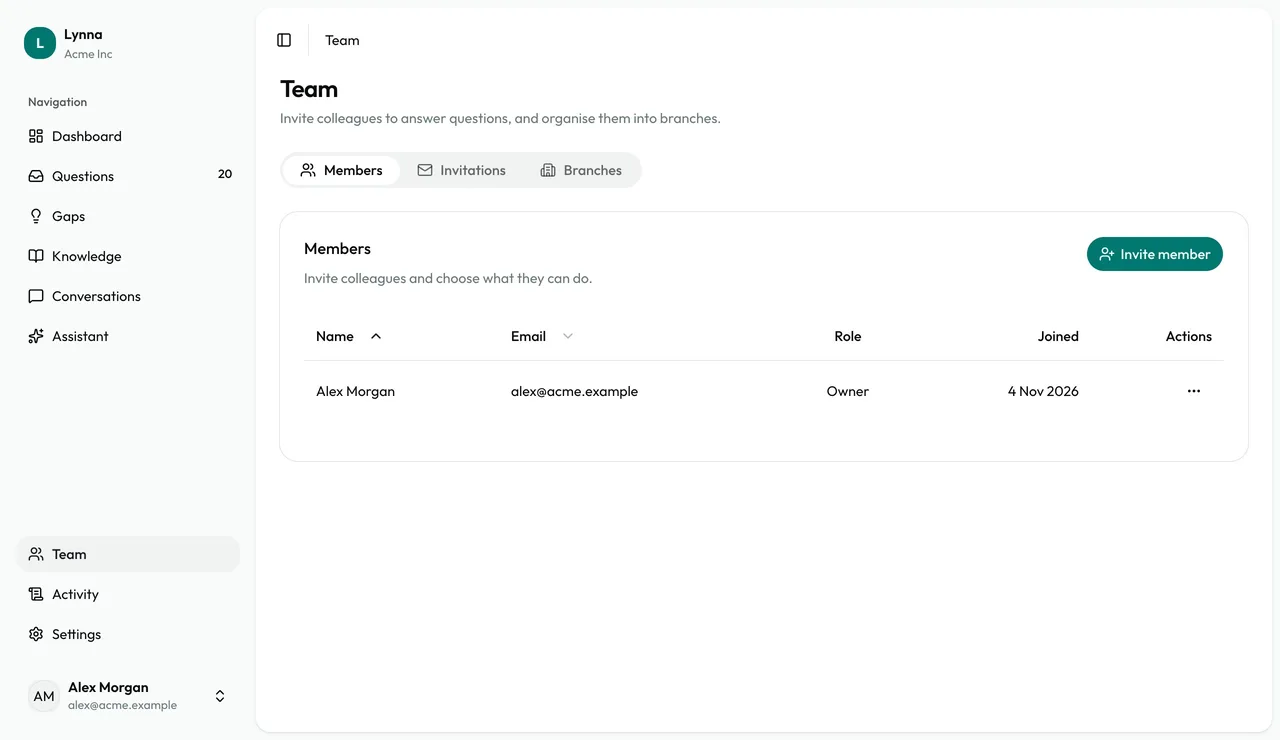
Open Team
Members lists everyone in your business. Team is for owners only.
Step 2
Create a branch
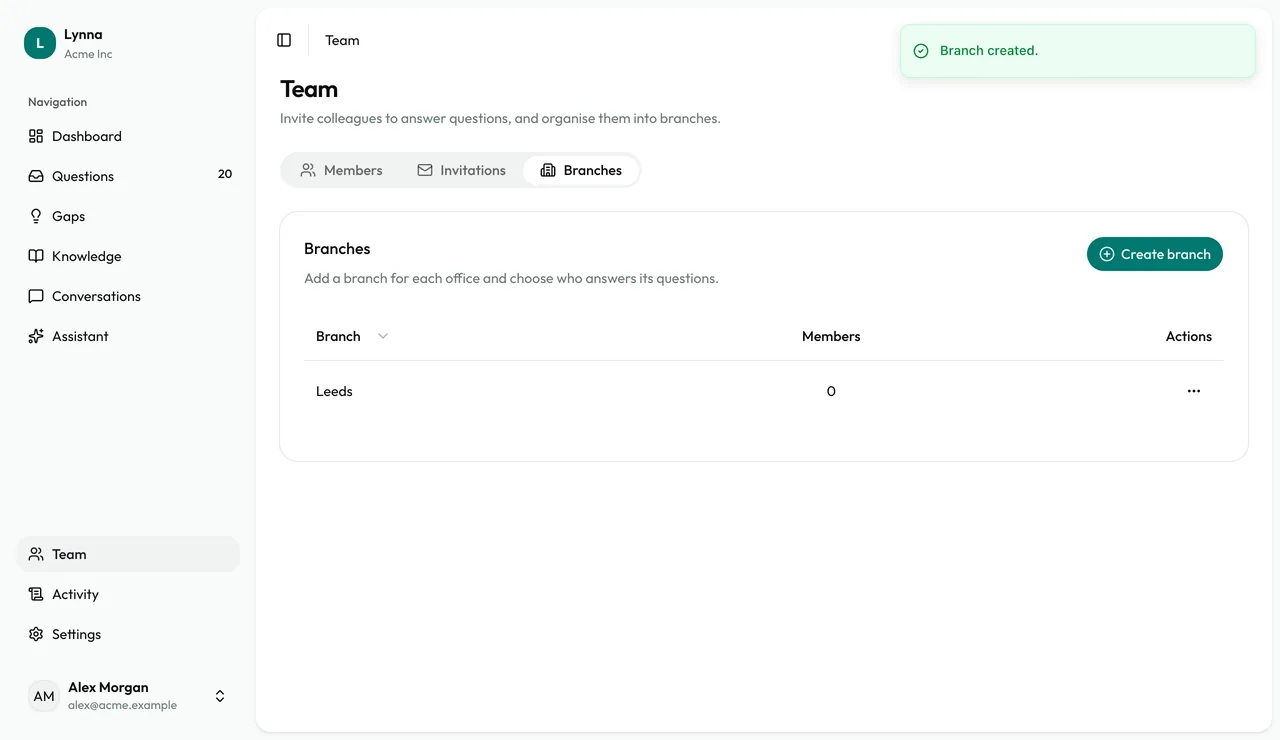
On the Branches tab, choose Create branch and give it a name. How many you can add depends on your plan.
Step 3
Invite a colleague
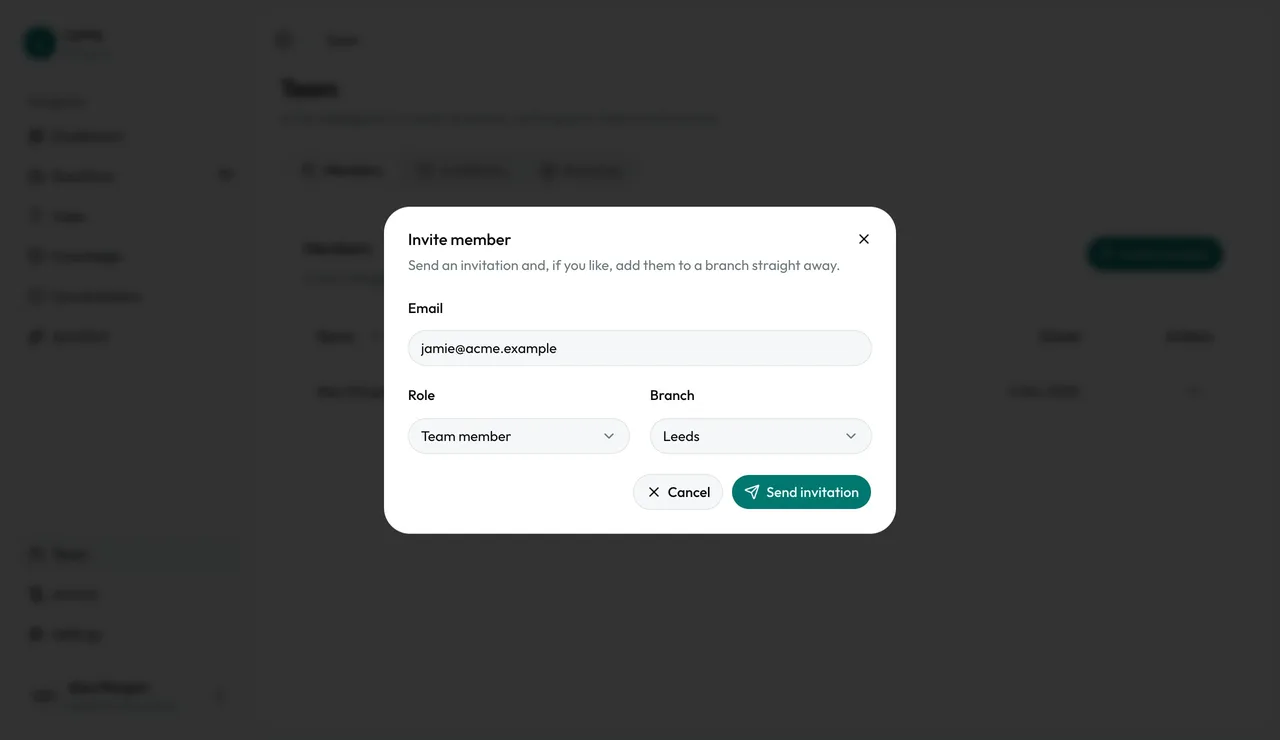
Choose Invite member, enter their email, then choose a role and branch.
Step 4
Choose the right role
Team members answer questions, add knowledge and read conversations. Owners also change settings, manage the team and handle billing.
Step 5
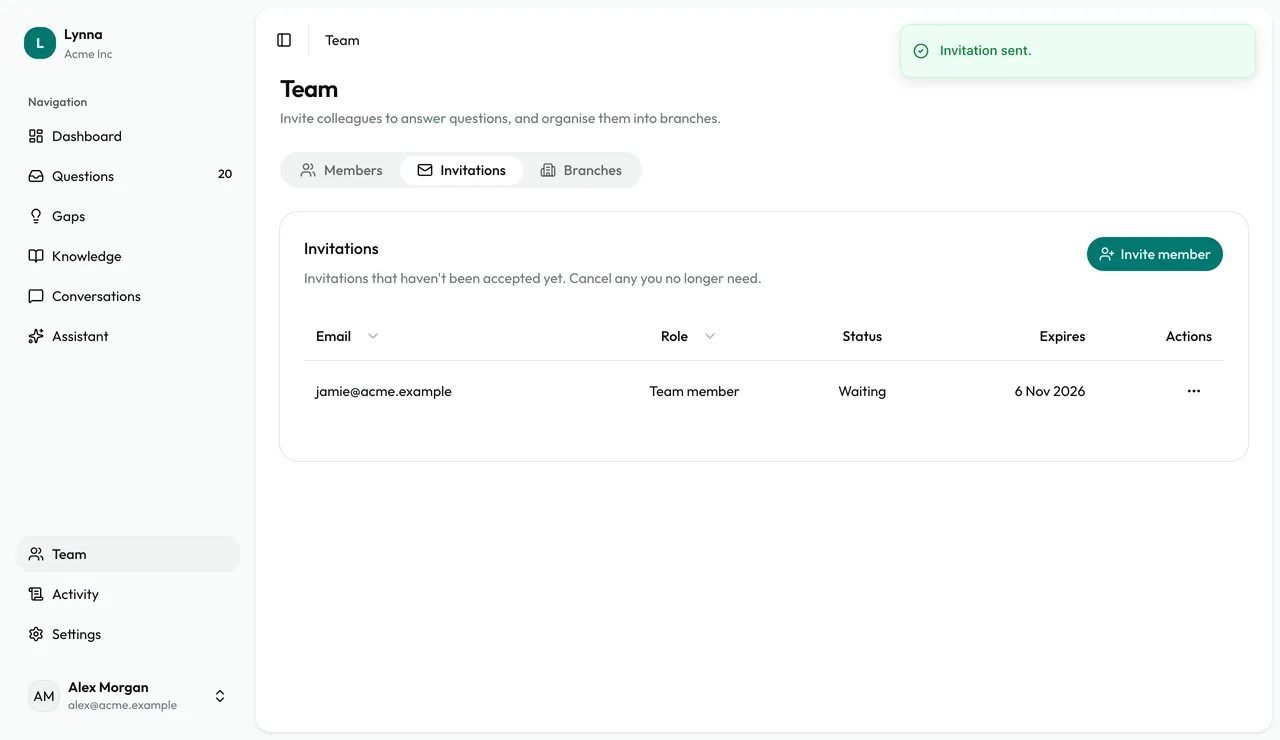
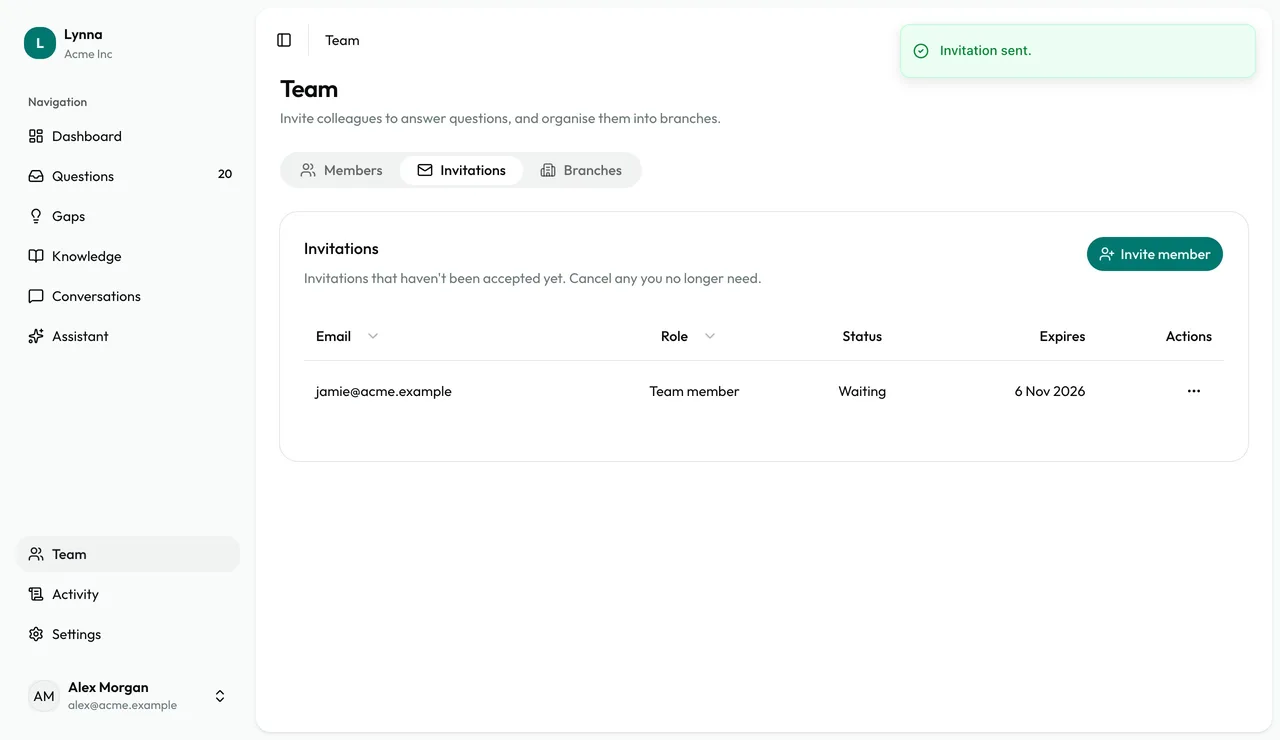
Check your invitations
The Invitations tab shows who hasn't joined yet. Once they do, questions can be assigned to them or their branch.
- When a visitor leaves their details, Lynna emails the assignee, the assigned branch and the owners. If nobody's assigned, everyone hears.
Next: Settings and your data
Next guide