All guides
Manage your business
Settings and your data
Settings is where owners look after the business: contact details, emails from Lynna, and how visitors' data is handled. You're the controller of your visitors' data, so this is also where you handle requests to erase it.
Step by step
Step 1
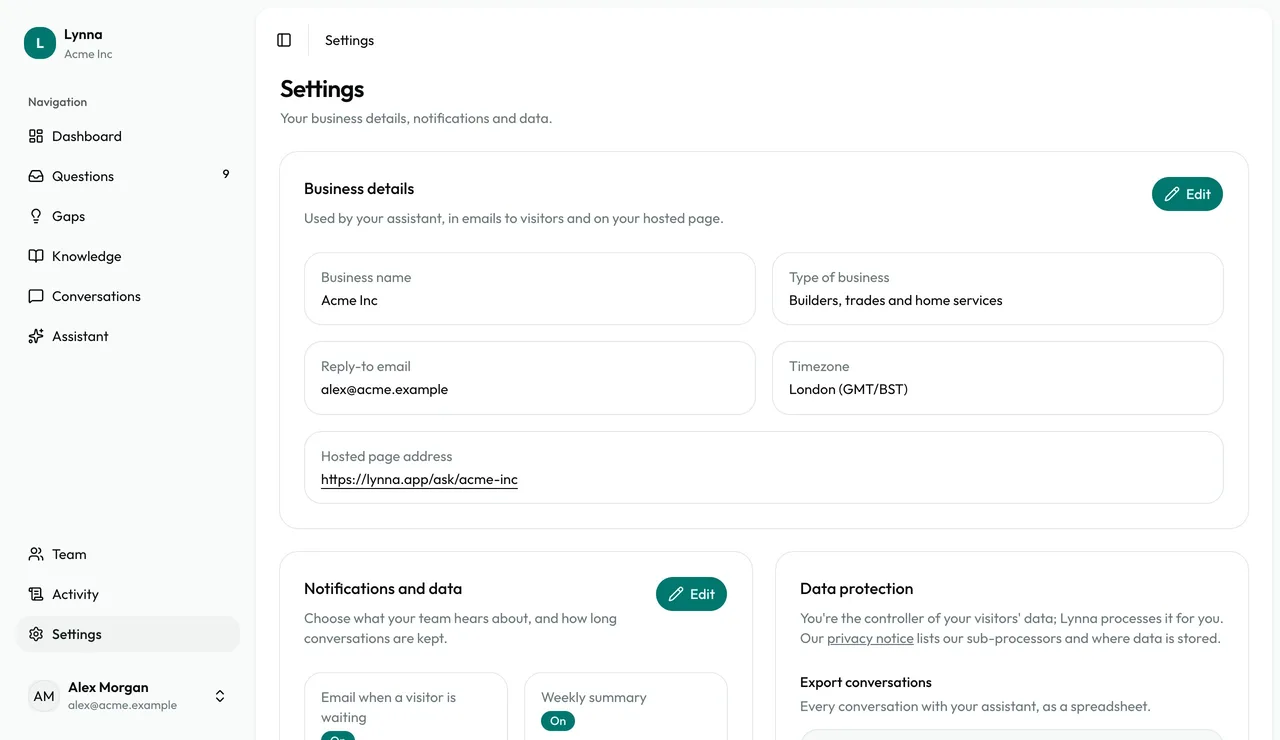
Open Settings
Business details, Notifications and data, and Data protection are all on one page.
Step 2
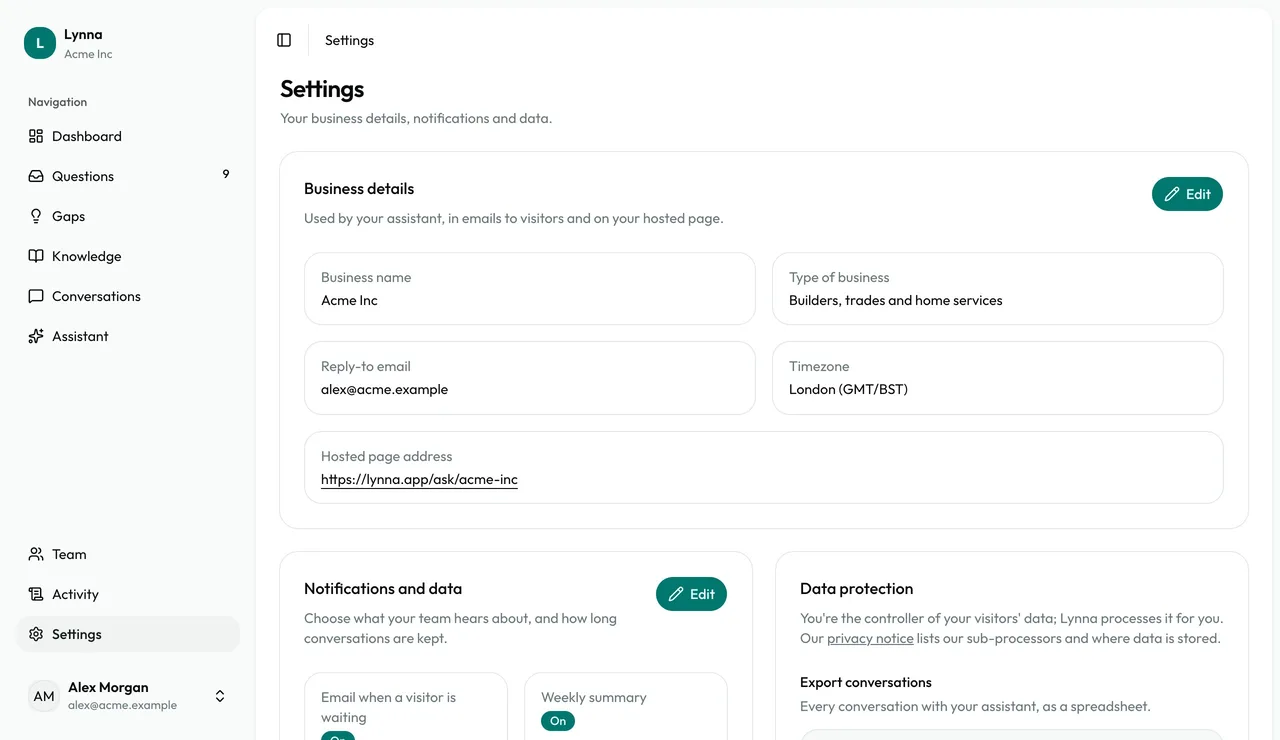
Update your business details
Choose Edit to change your name, type of business, reply-to email, timezone and hosted page address.
Step 3
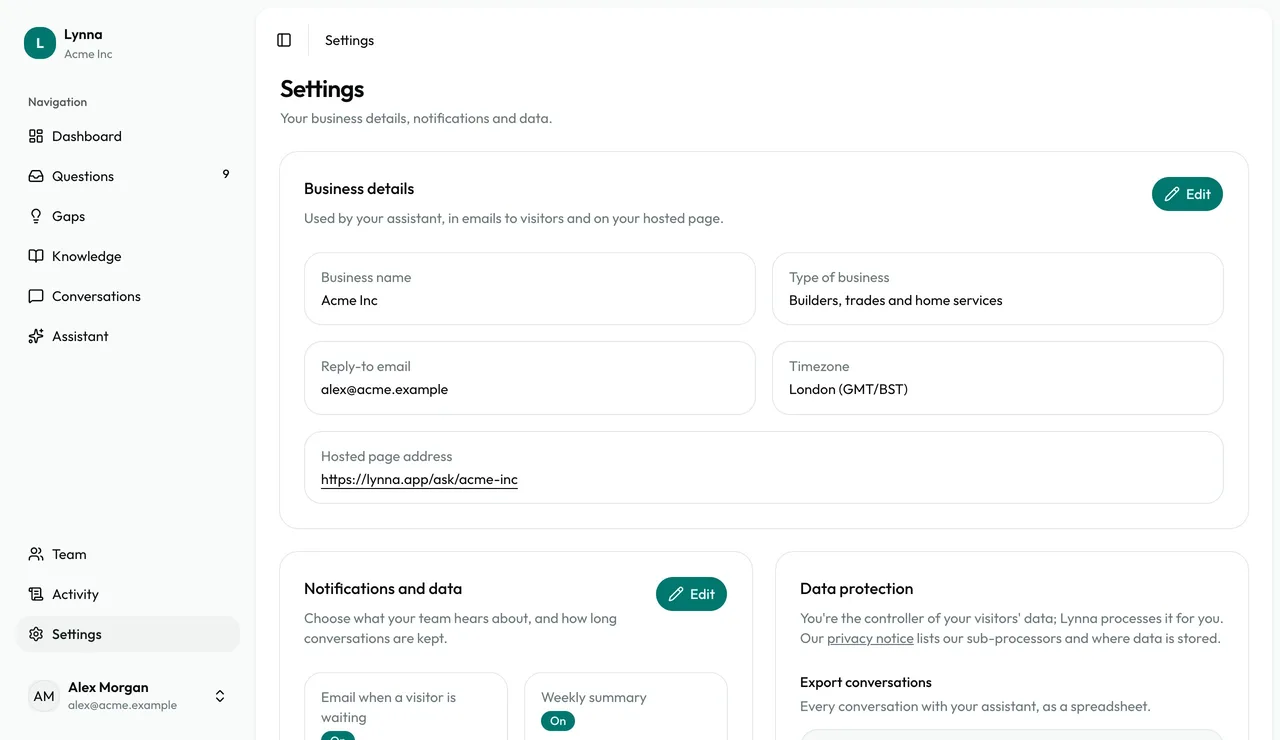
Choose your emails and retention
Switch team alerts and the weekly summary on or off, and choose how long conversations are kept.
Step 4
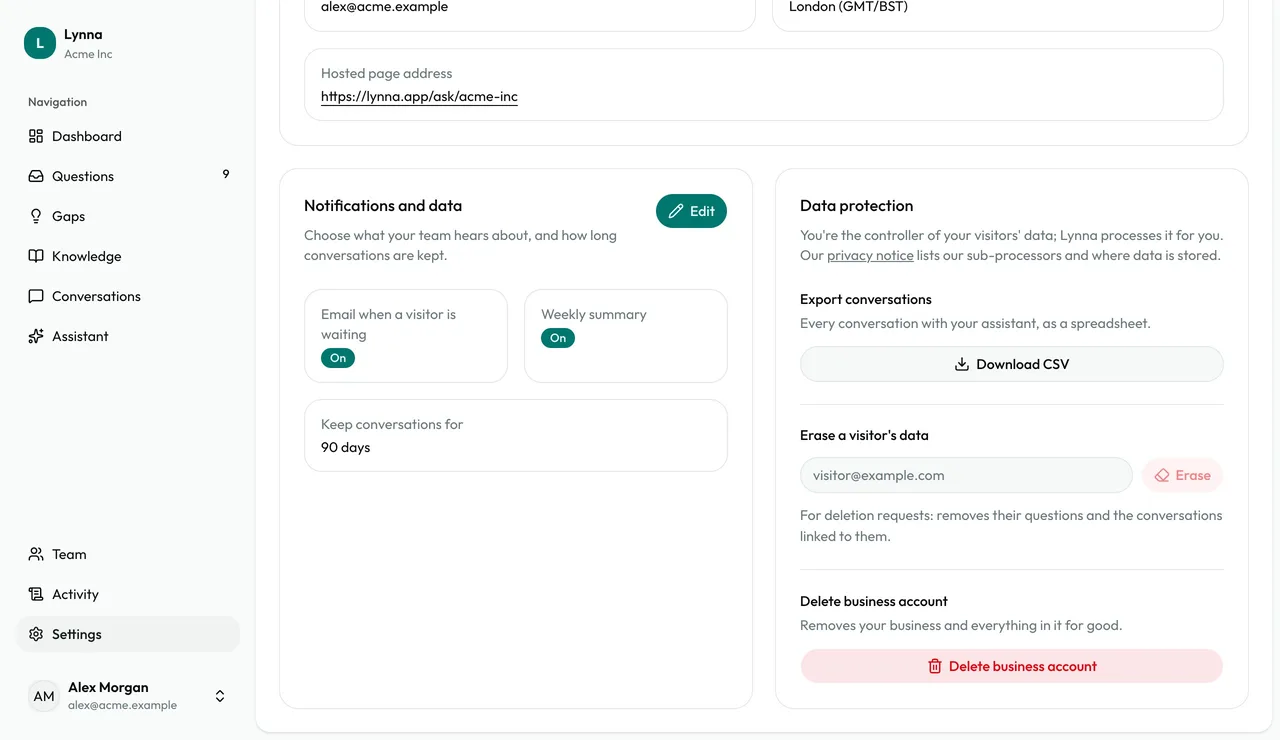
Erase a visitor's data
Enter their email under Data protection and choose Erase. It removes their questions and the conversations linked to them.
Step 5
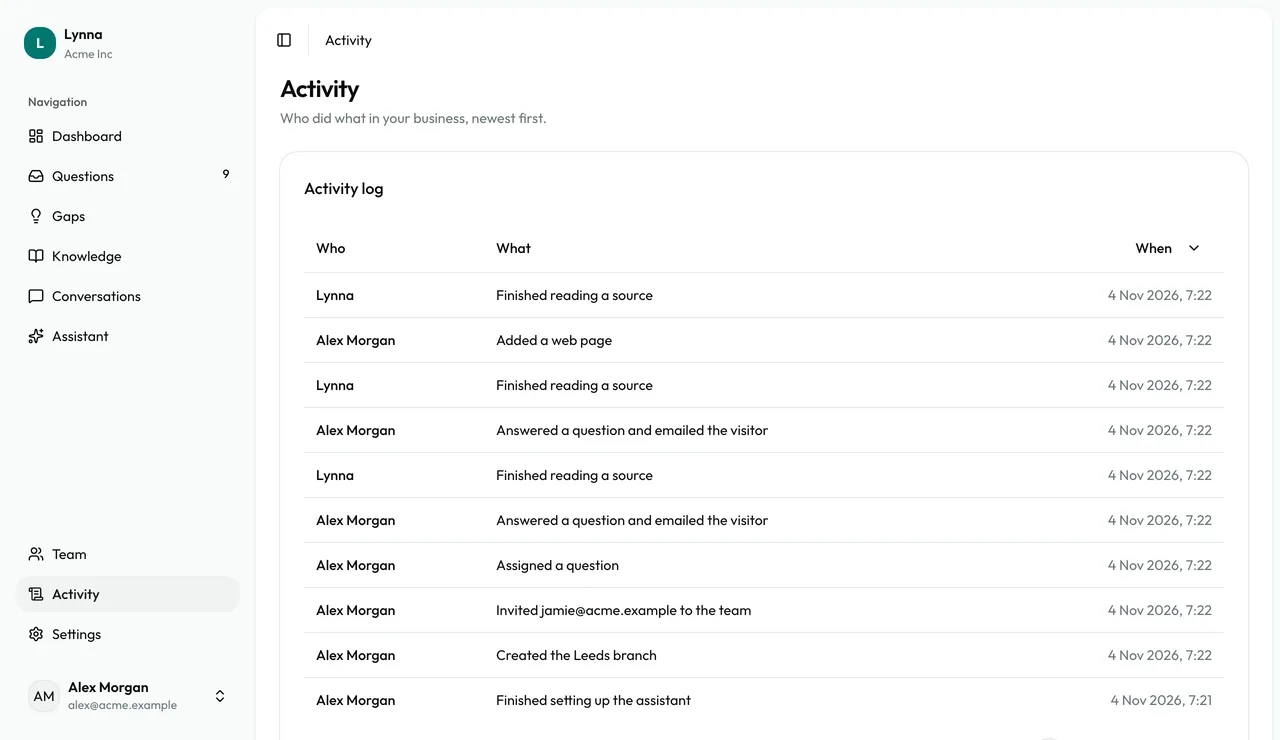
Check your activity log
Activity shows who did what, newest first.
Good to know
- The weekly summary arrives every Monday with your conversations, open questions and top gaps.
Next: Plans and billing
Next guide