Get started
Create your account
Sign up with your email or Google, confirm your address, and tell Lynna about your business. Your free 14-day trial starts here, and there's no card to enter. The type of business you choose tailors your checklist and the questions your assistant suggests to visitors.
Step by step
Step 1
Create your account
Go to lynna.app and choose Start free trial. Enter your name, email and a password, or continue with Google, then agree to the terms.
Step 2
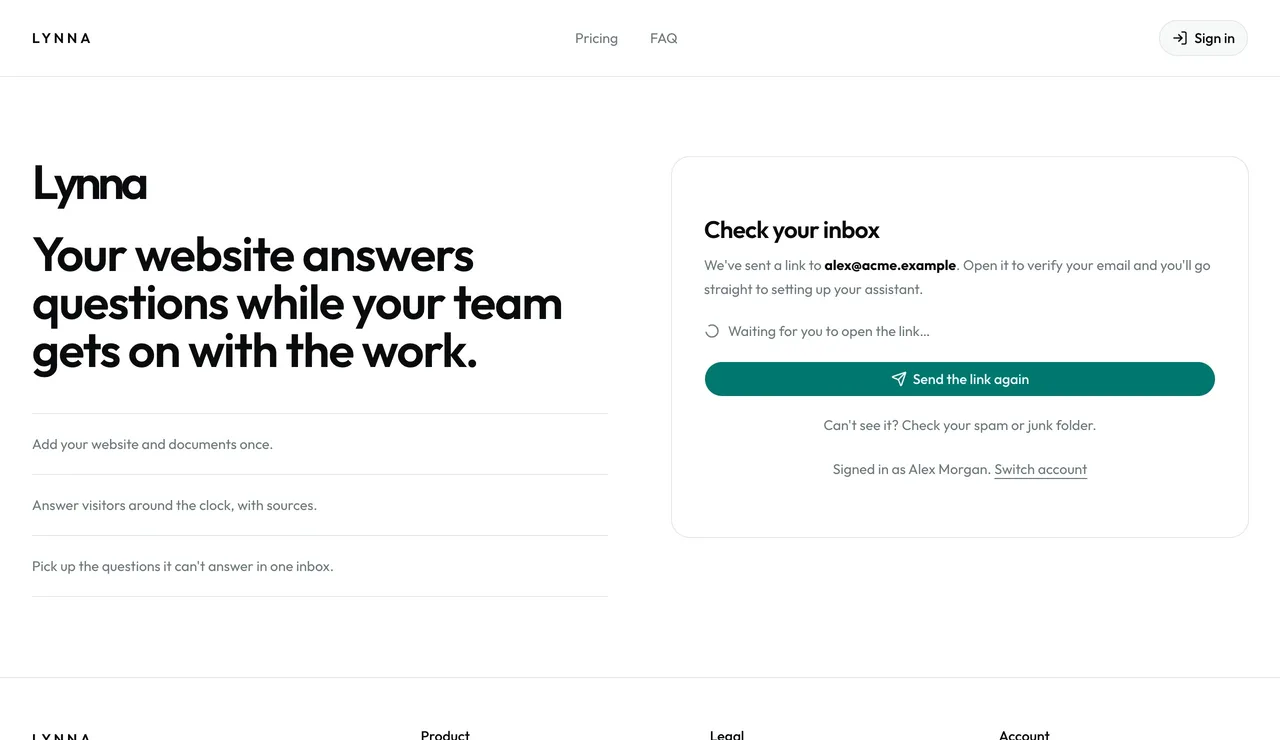
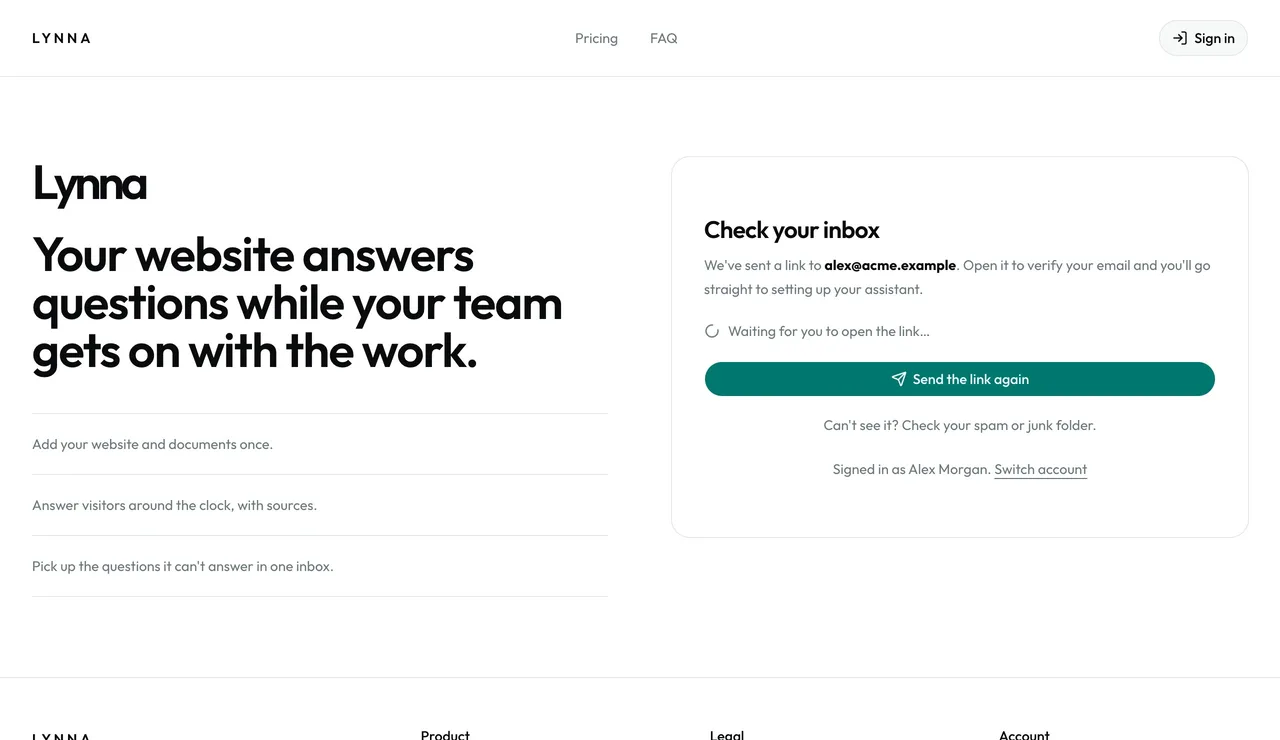
Confirm your email
We email you a link. Open it in the same browser and setup carries on by itself.
Step 3
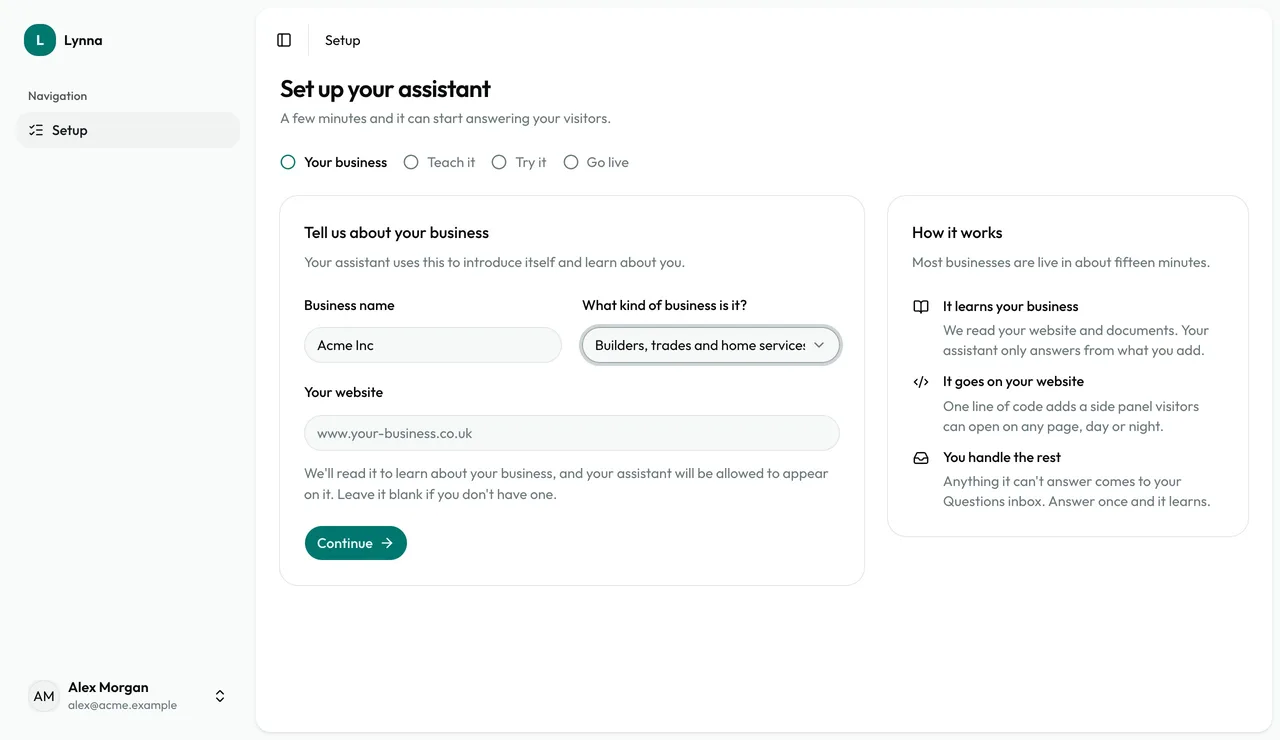
Tell us about your business
Enter your business name and choose the kind of business it is. This sets your checklist and suggested questions.
Step 4
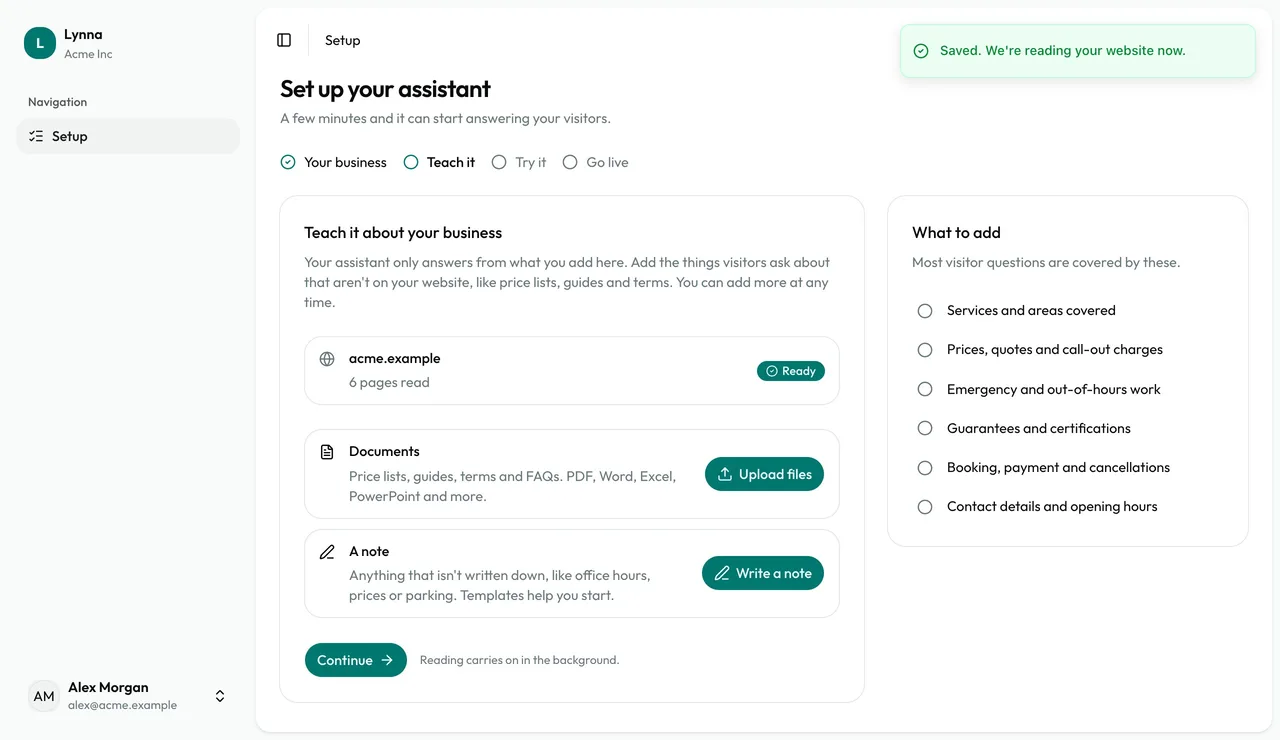
Add your website
Enter your website address and choose Continue. Lynna starts reading it straight away and allows the assistant to appear on it. No website? Leave it blank.
- The trial is once per person and doesn't need a card.
- Your reply-to email starts as your sign-in email. You can change it in Settings.
Next: Teach your assistant
Next guide