Day to day
Manage your knowledge
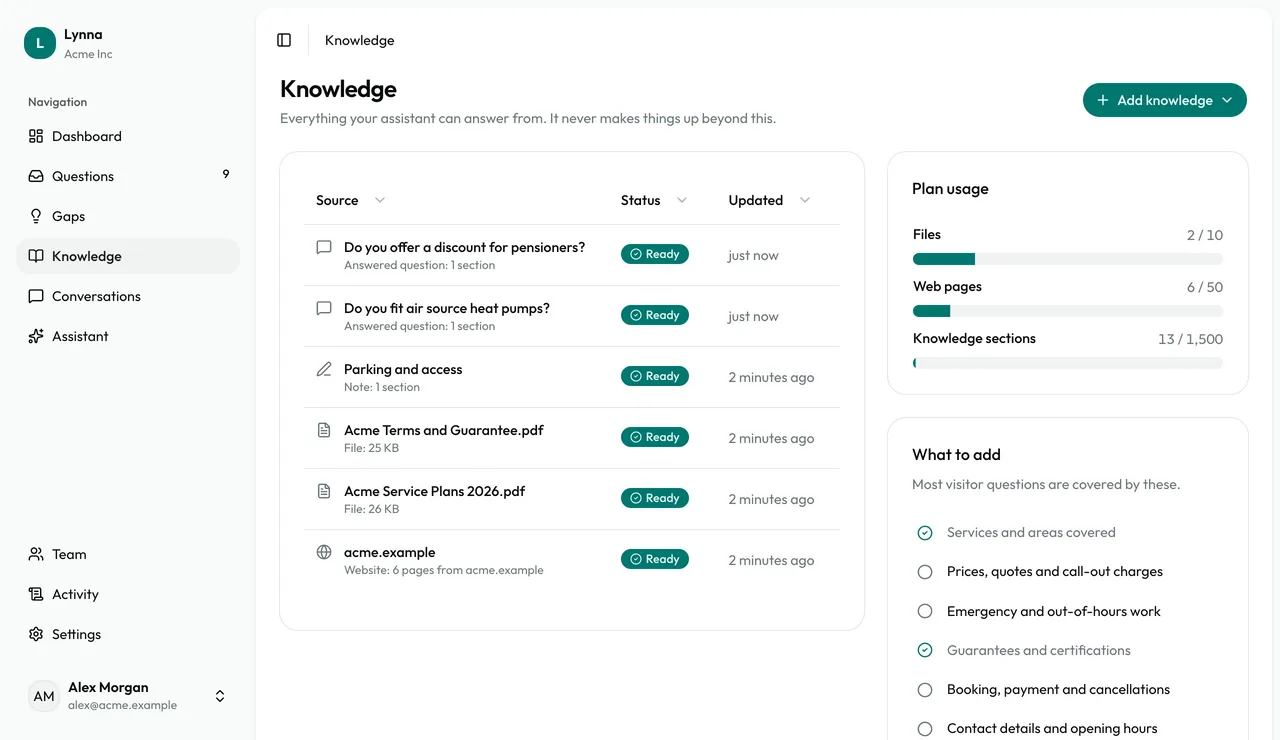
The Knowledge page lists everything your assistant can answer from: websites, single pages, files, notes and the answers you've saved from Questions. Keep it accurate here, and your assistant stays accurate too.
Step by step
Step 1
See your sources
Every source shows its type, status and when it was last updated.
Step 2
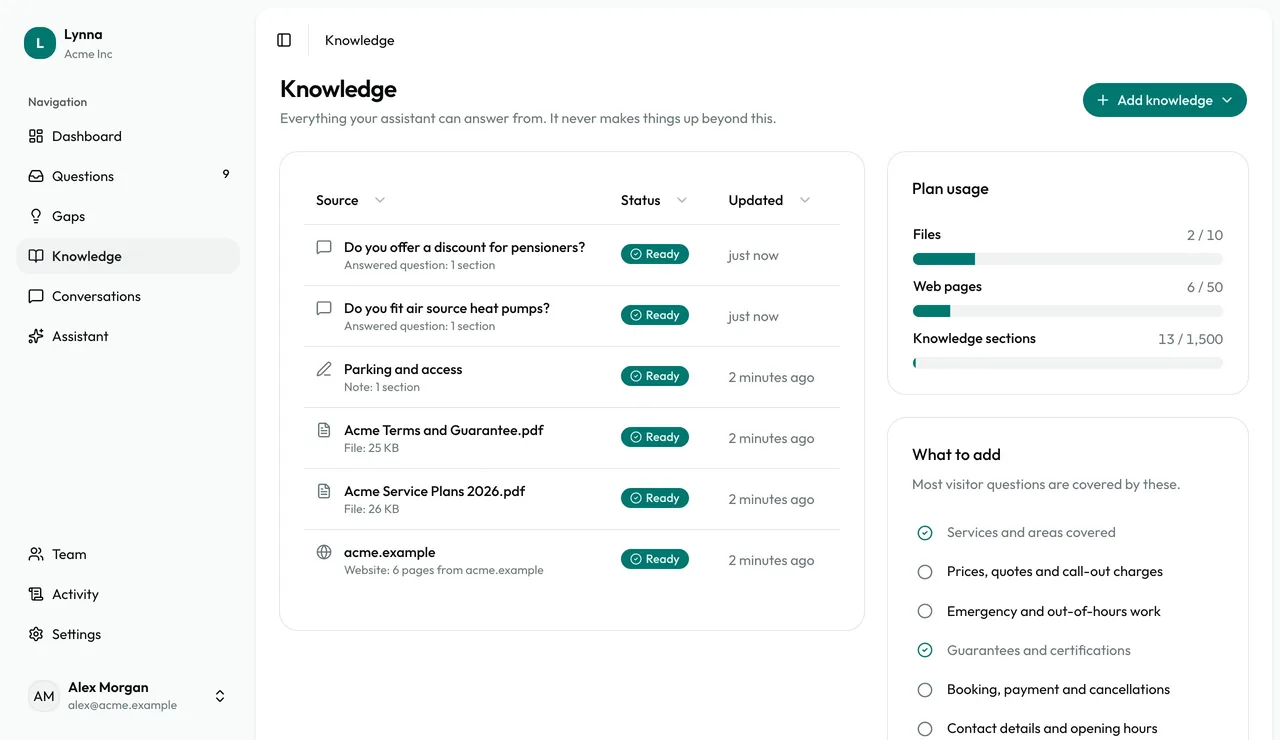
Check your allowance
Plan usage shows how many files, web pages and knowledge sections you've used.
Step 3
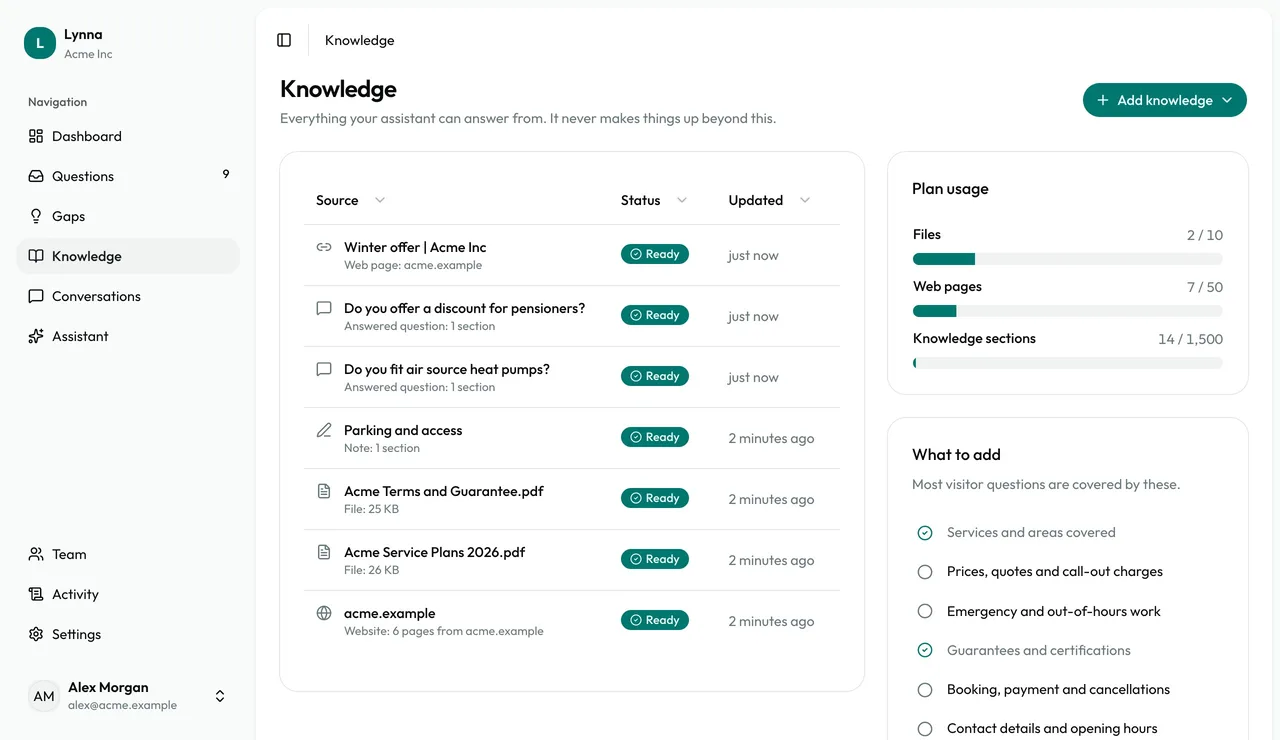
Add more
Choose Add knowledge, then Website, Web page, Upload files or Write a note. A web page is good for one offer, or for a guide on another site.
Step 4
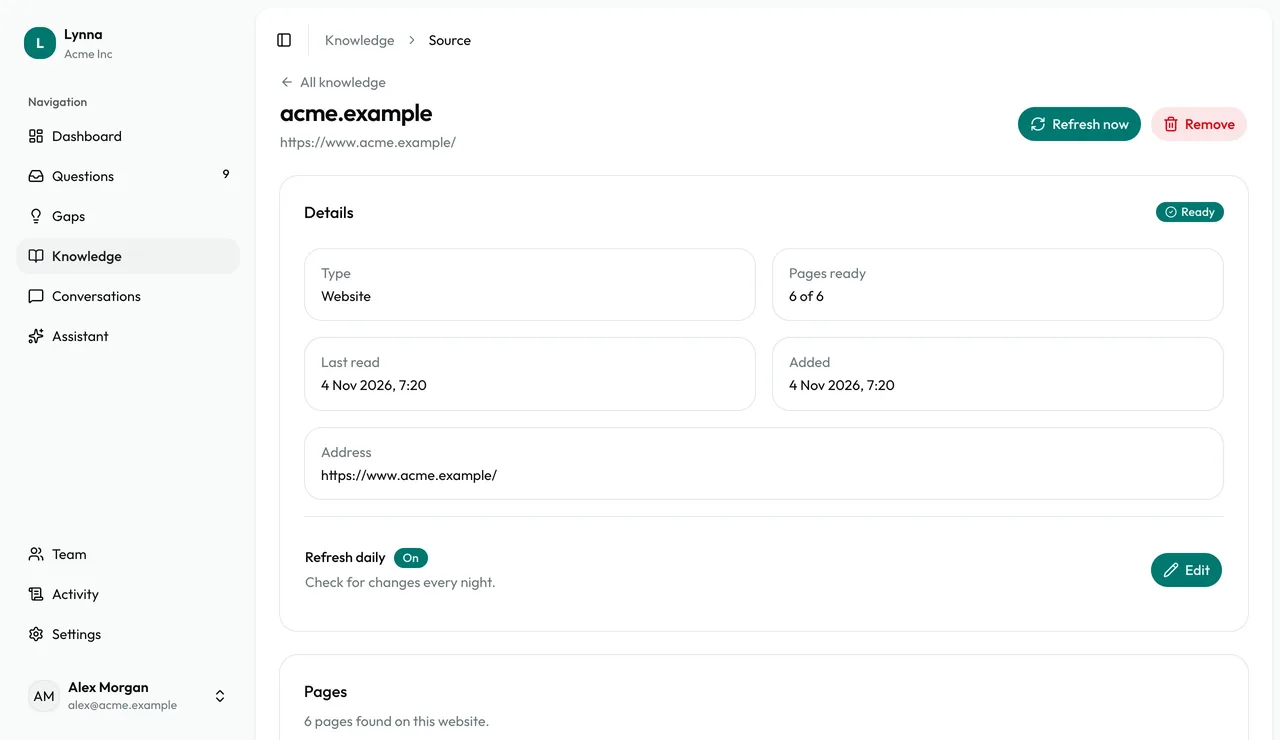
See what was read
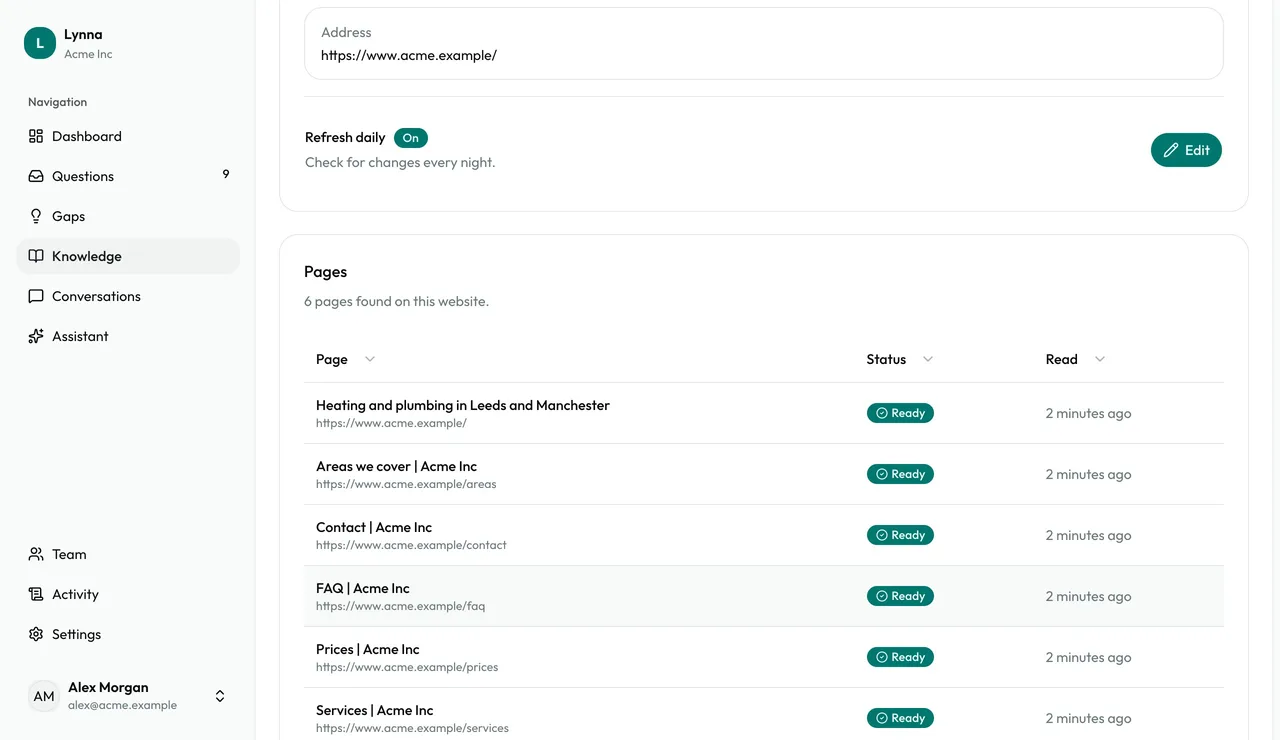
Open a source to see its details. Websites list every page that was read.
Step 5
Keep it fresh
Websites and web pages refresh by themselves. Choose Refresh now after you change something, or turn Refresh daily off.
Step 6
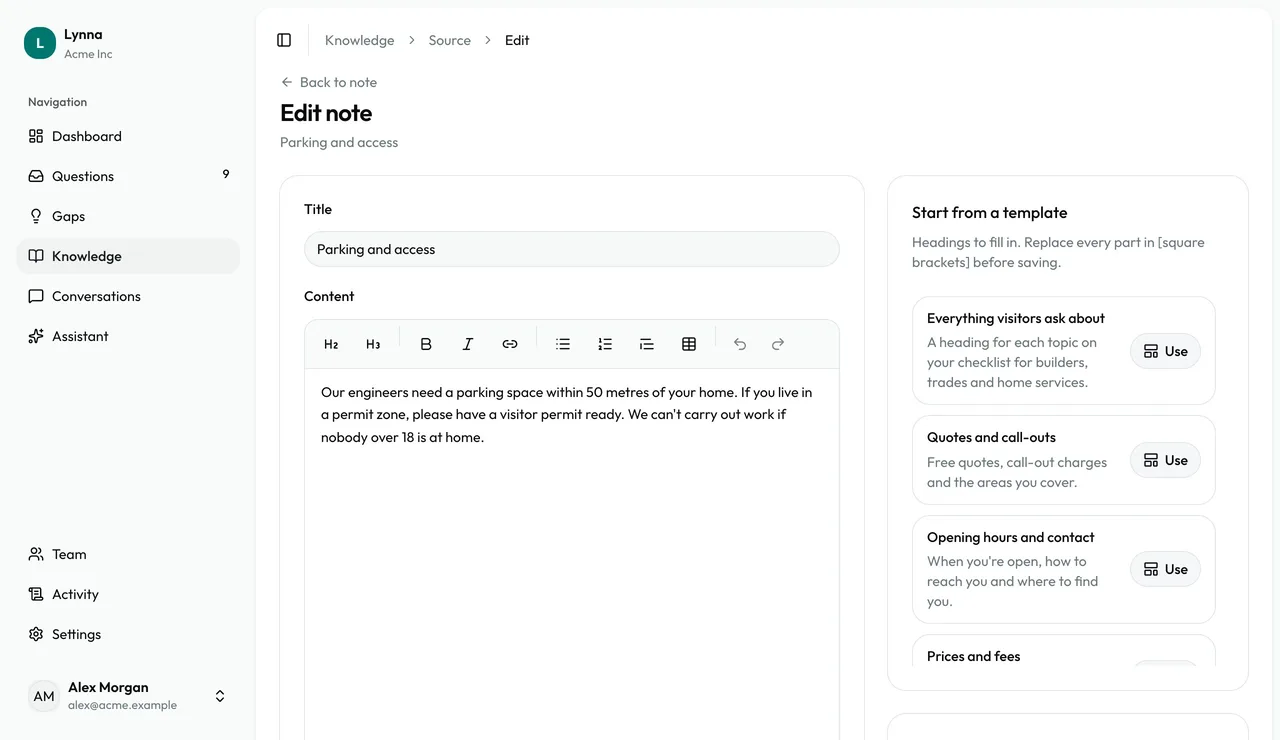
Edit a note
Open a note and choose Edit. Your assistant picks up the change.
Step 7
Remove a source
Owners can choose Remove. Your assistant stops using it straight away.
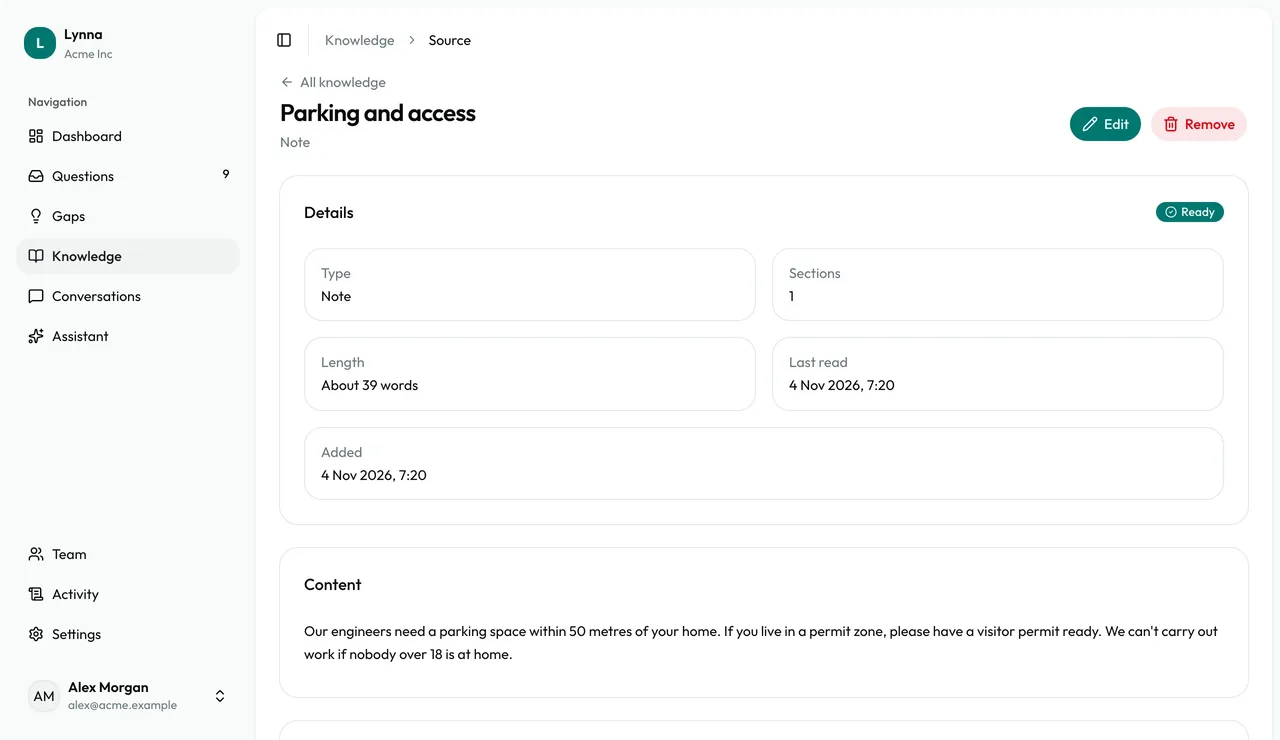
- Everyone on your team can add and refresh knowledge. Only owners can remove it.
Next: Review conversations
Next guide