Manage your business
Plans and billing
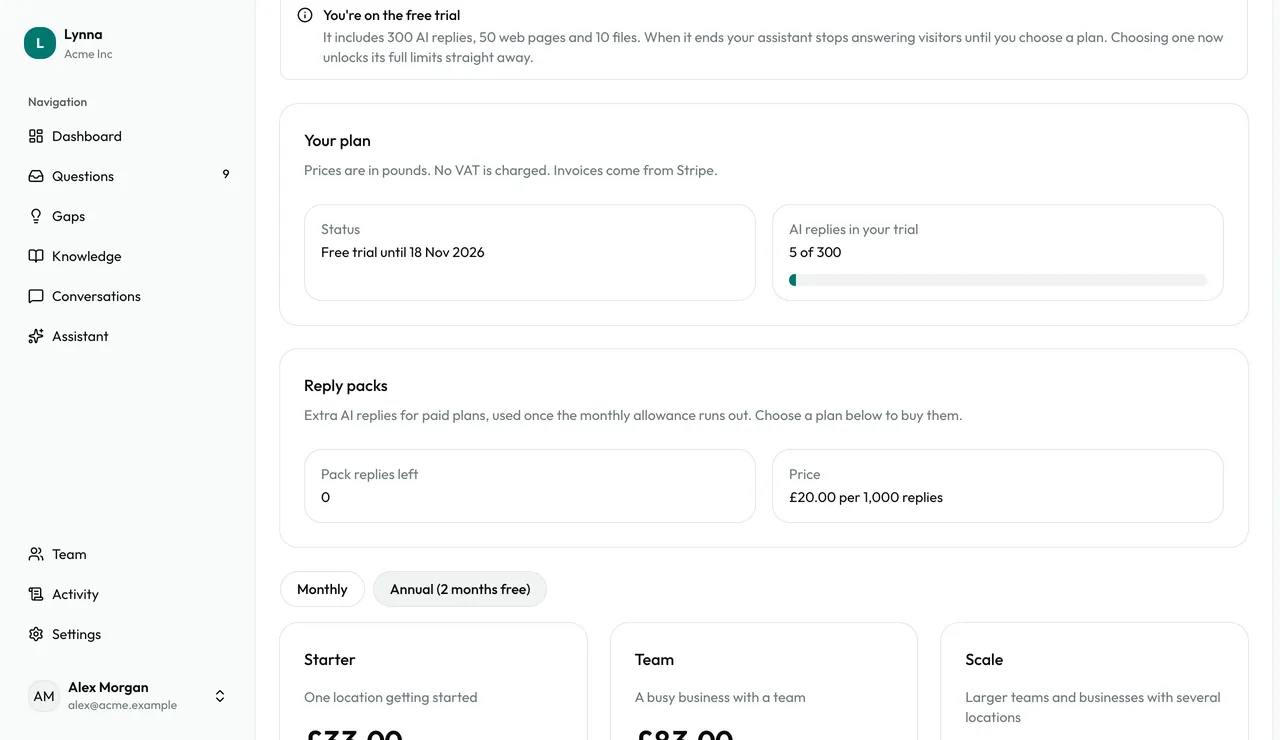
Billing shows where you are in your free trial, how many AI replies you've used, and the plans available. When you're ready, choose a plan and pay securely through Stripe. If you reach a limit, your assistant keeps taking questions for your team, so no visitor is lost.
Step by step
Step 1
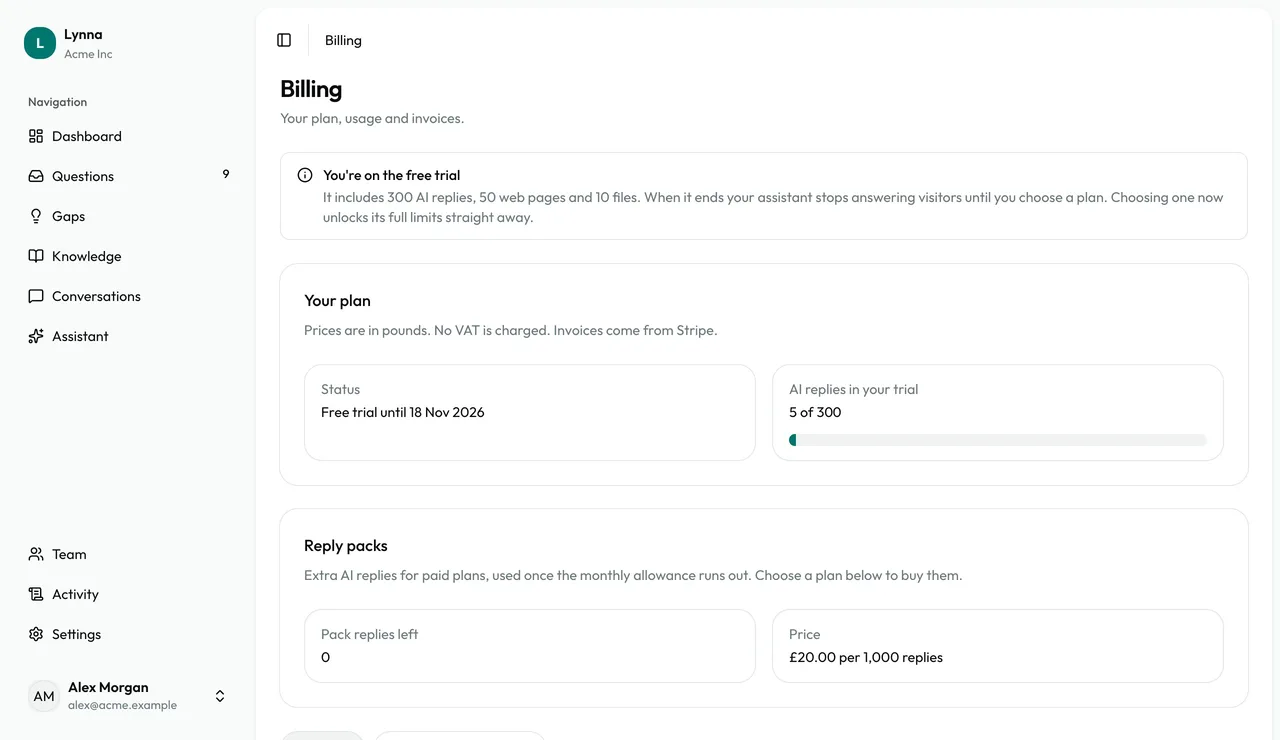
Check your trial
Billing shows your status and when your trial ends. It lasts 14 days and needs no card.
Step 2
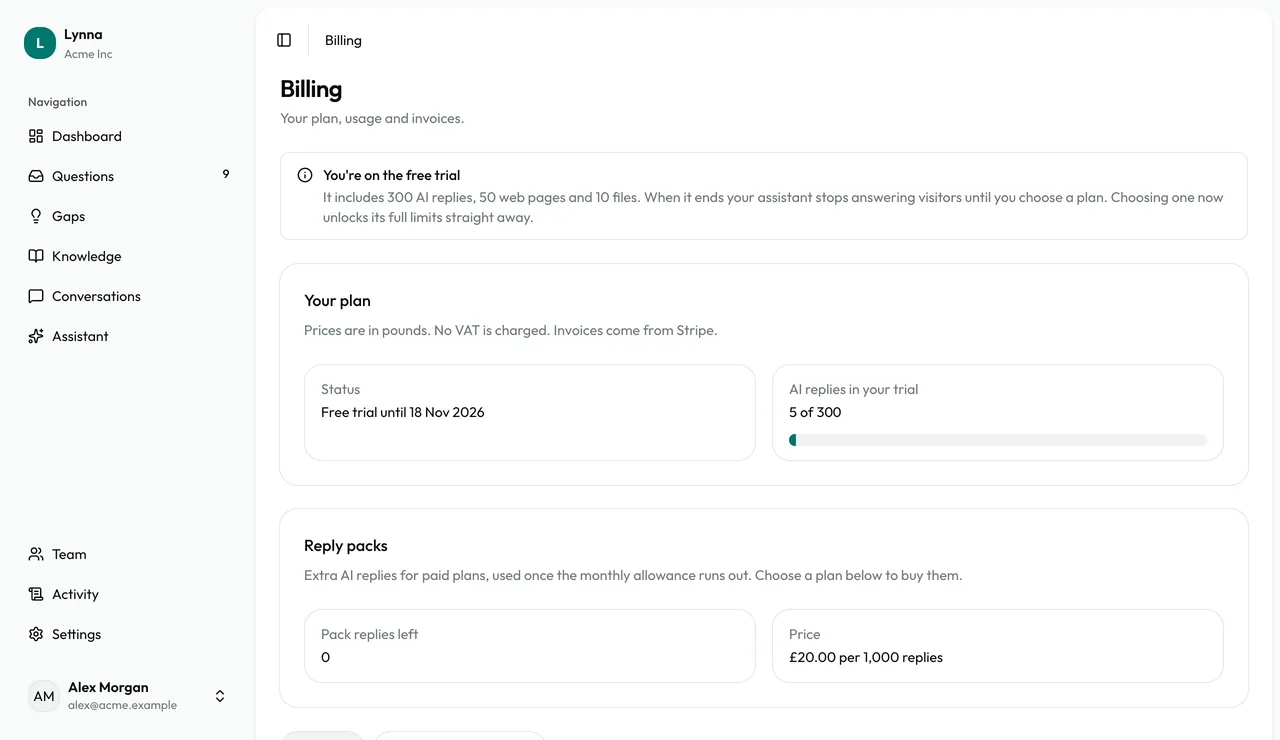
Watch your usage
See how many AI replies you've used from your allowance.
Step 3
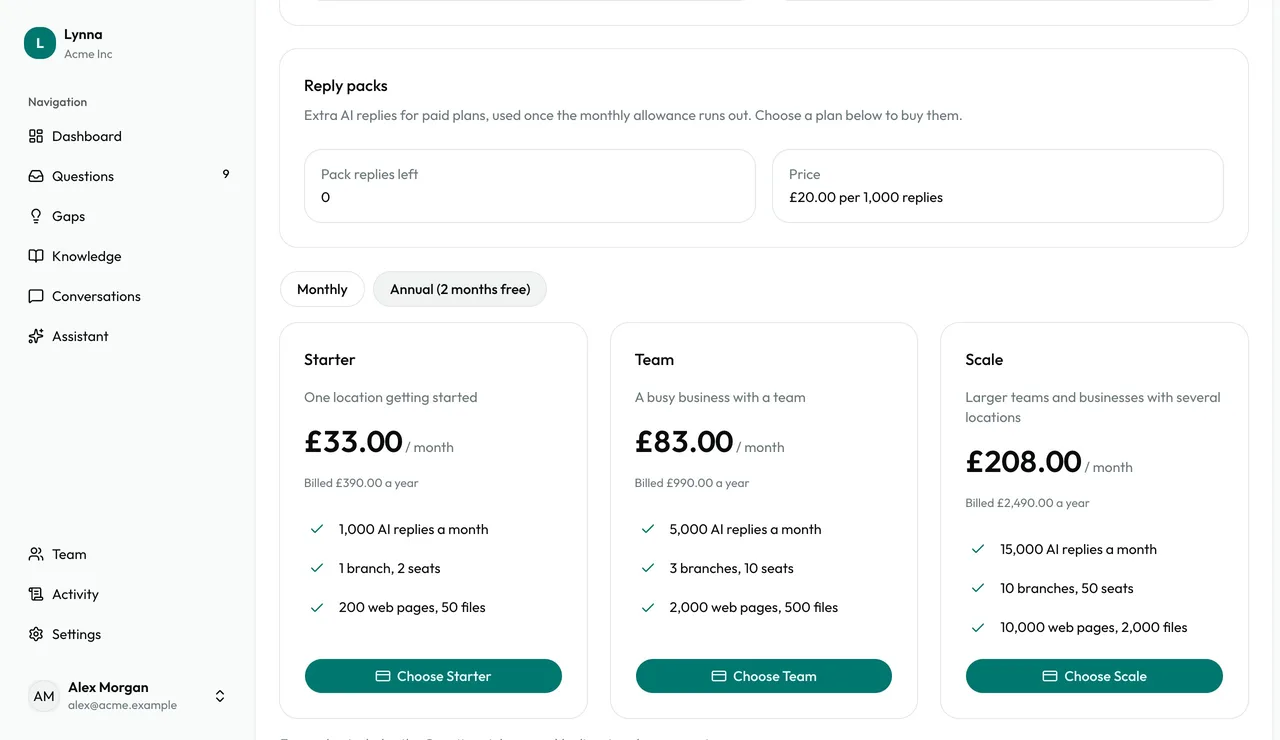
Choose a plan
Compare Starter, Team and Scale. Switch to Annual for two months free, then choose your plan to pay through Stripe.
Step 4
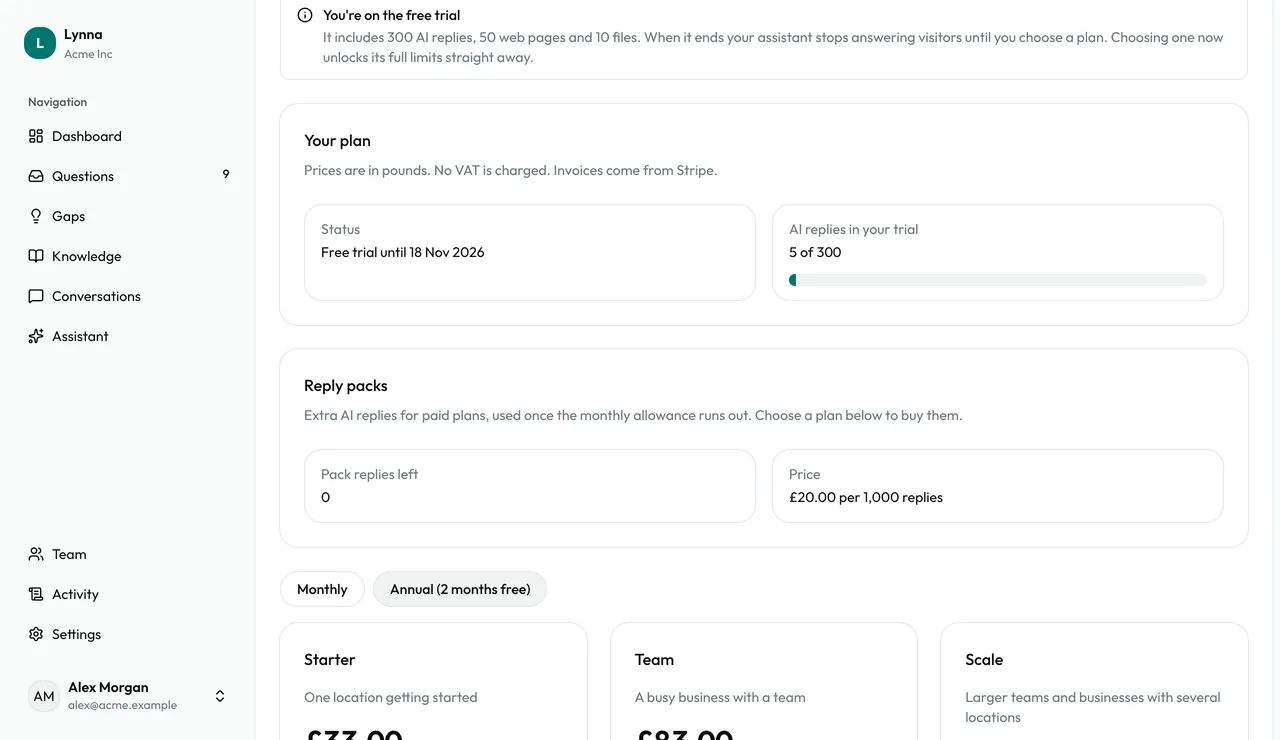
Top up with reply packs
On a paid plan, buy extra AI replies from Billing. They never expire and are only used after your monthly allowance.
Step 5
If you reach a limit
Your assistant stops using AI and offers the contact form instead, so every question still reaches your inbox.
- When a trial ends without a plan, your knowledge, settings and install are all kept. Choose a plan and your assistant switches straight back on.
Next: Your account
Next guide