All guides
Get started
Try your assistant
The preview is the real assistant, answering from your real knowledge. Use it to check answers and sources before going live. Preview chats don't count in your stats.
Step by step
Step 1
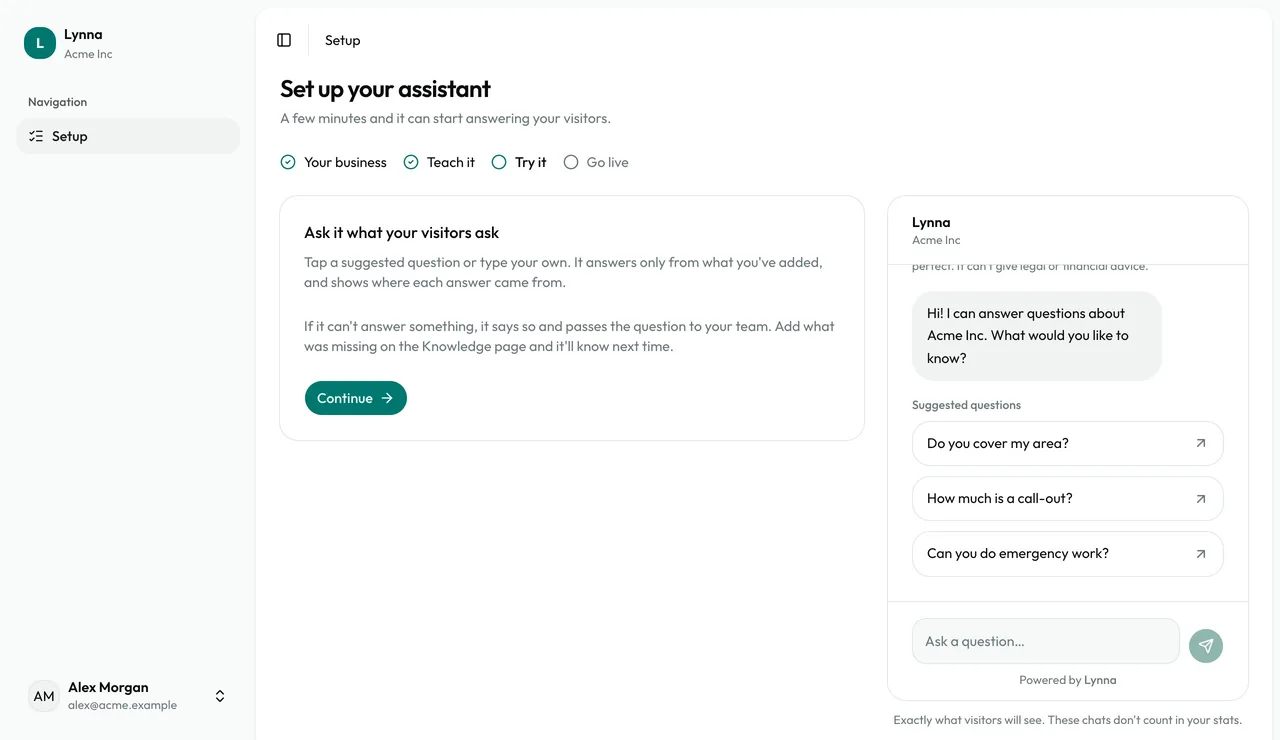
Open the preview
The Try it step shows exactly what visitors will see, with suggested questions for your type of business.
Step 2
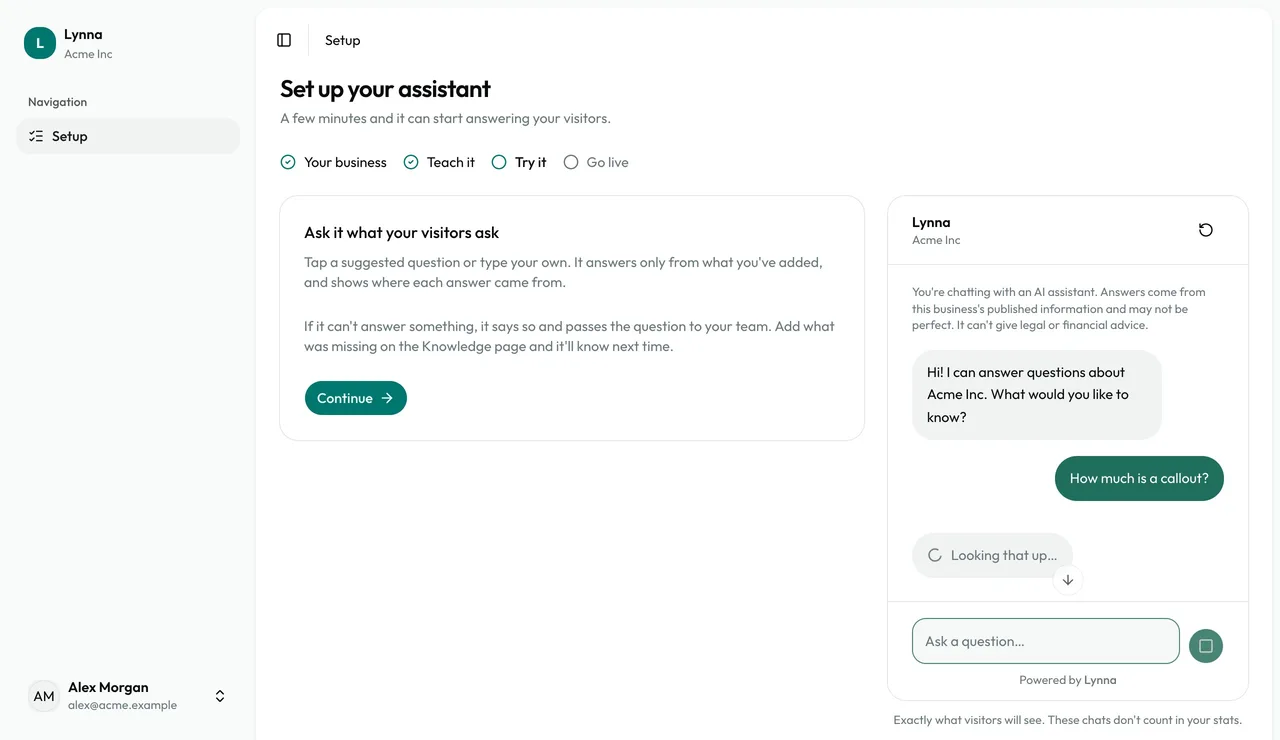
Ask a question
Tap a suggested question or type your own.
Step 3
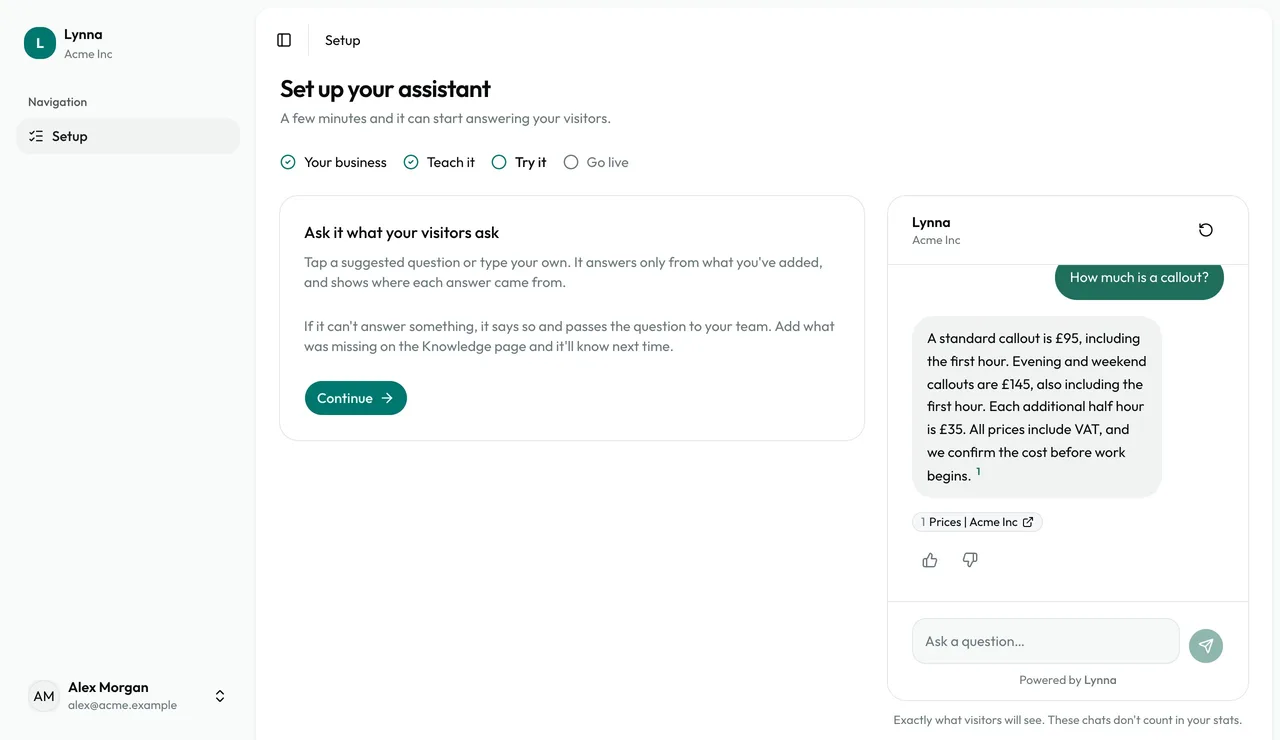
Check the sources
Every answer shows the sources it came from, so you can see where it found each fact.
Step 4
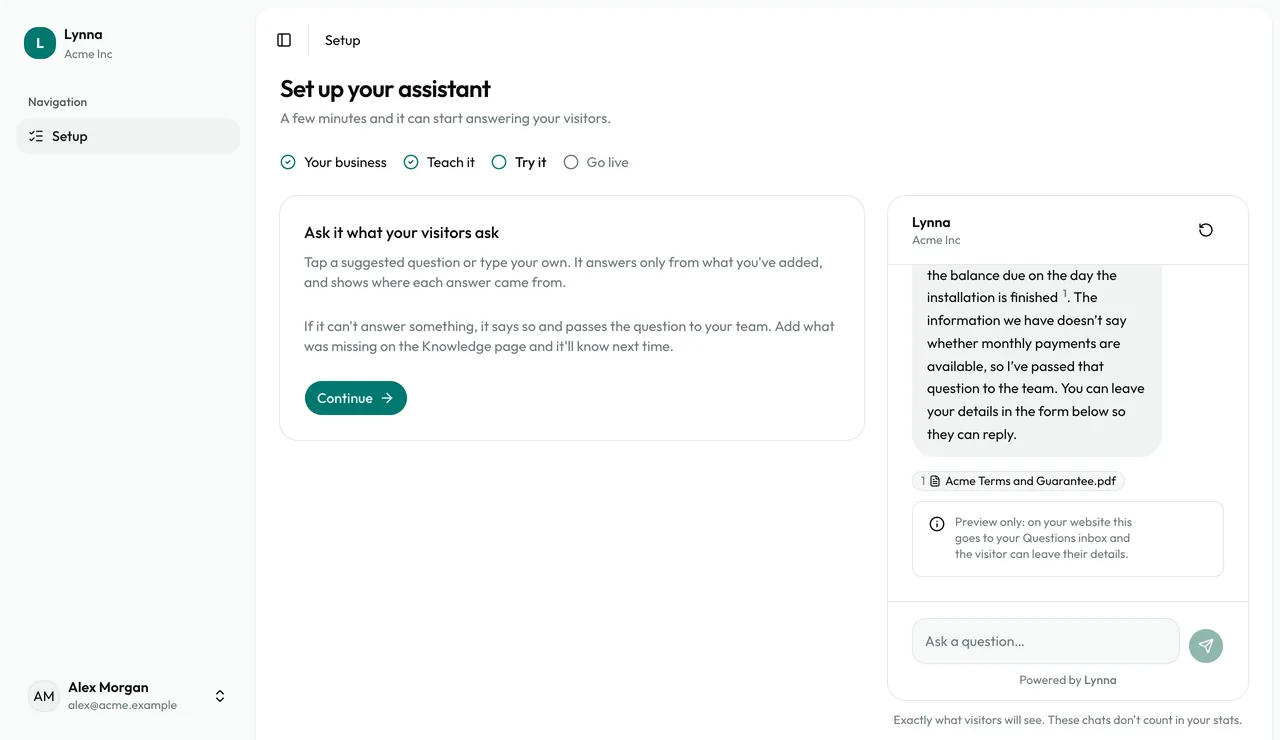
Ask something it doesn't know
It says it doesn't know instead of guessing. On your website, that question goes to your team.
Good to know
- Wrong or missing answer? Add what's missing as a note and ask again.
Next: Go live
Next guide